
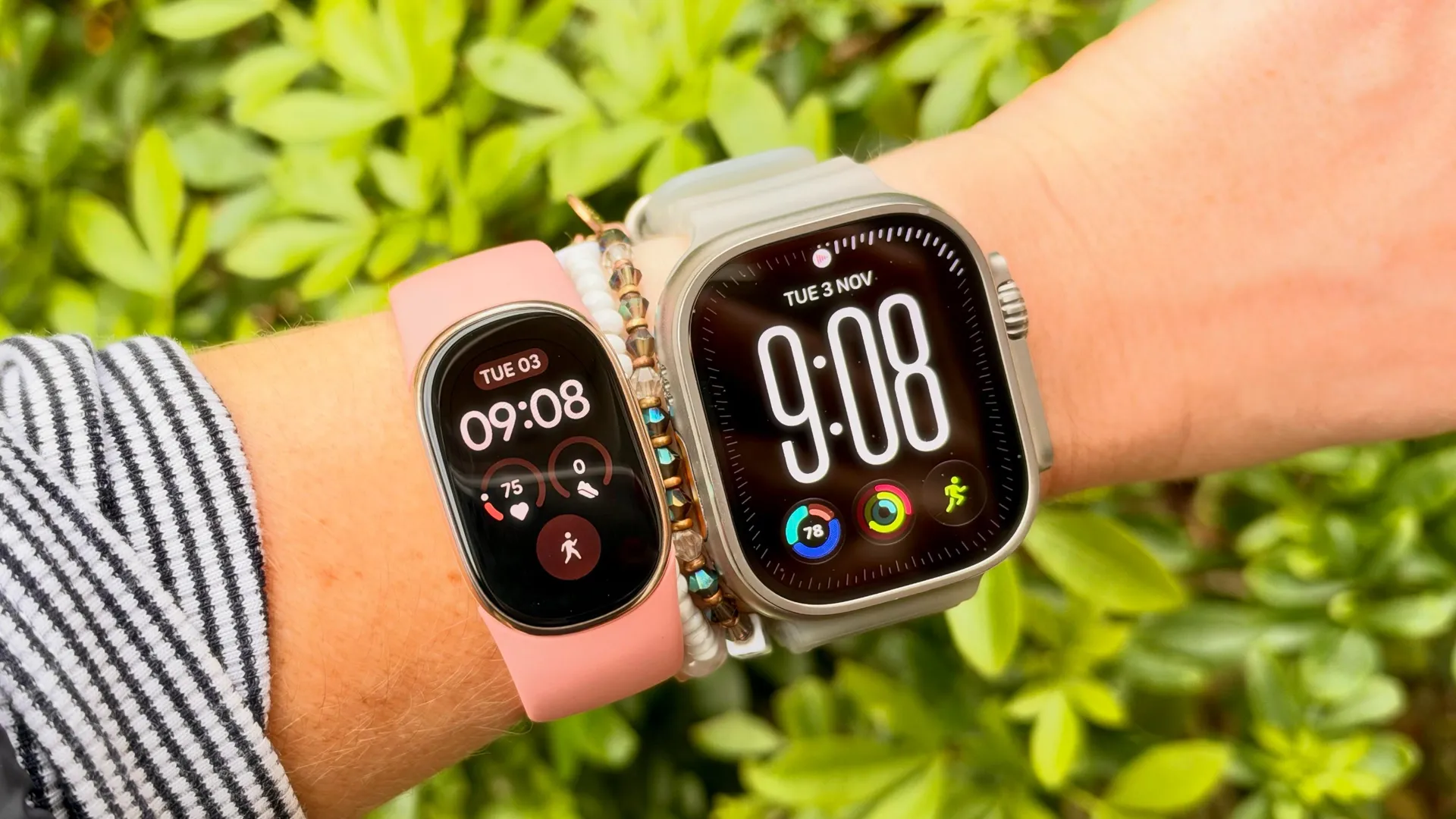
The Fitbit Edge is Google’s latest launch, and it sits between the $99 Fitbit Air that was released earlier this year and the Pixel Watch 5, Google’s top-tier smartwatch. It’s $180, with a bright screen, built-in GPS, and a comfortable, compact design.
One of the things we do with every new device that lands on our desk here at Tom’s Guide is look at how well it does the basics. We look at how good the auto-detection is at picking up a workout, whether the sleep tracking seems about right, and how well it counts our steps.
To do this, we do one of our infamous walk tests, where we strap a device to each wrist and manually count every step using the kind of clicker tool you’d spot a bouncer at a nightclub holding. Sure, our neighbours wonder what we’re up to, but it’s all in the name of good content.
This week, I decided to see how the $180 Fitbit Edge compared to Apple’s smartest smartwatch — the $800 Apple Watch Ultra 4. Read on to find out which device came out on top, and check out our Fitbit Edge review and Apple Watch Ultra 4 review here.
I walked 4,500 steps with the Apple Watch Ultra 4 and the Fitbit Edge
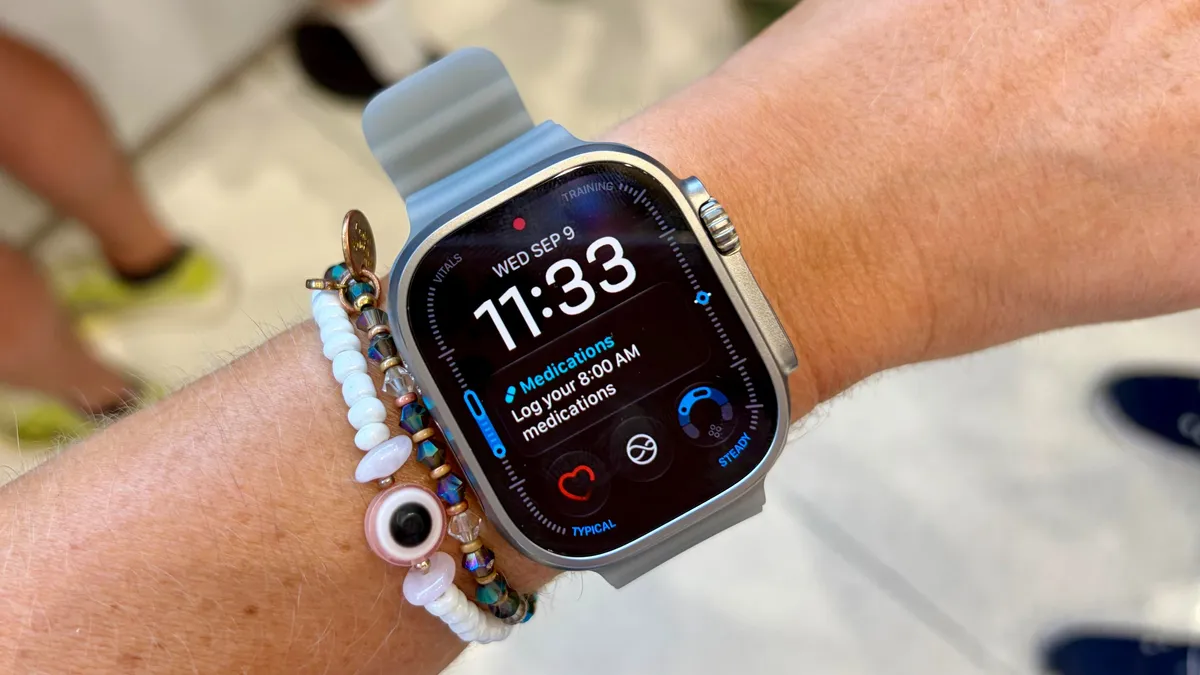
As always, let's start with how these devices count your steps. Both trackers count steps using an internal accelerometer that measures arm swing. Each swing counts for two steps, and it doesn’t matter whether you wear your watch on your dominant or non-dominant hand. Whether you walk with your hands in your pockets or holding a cup of coffee, the accelerometer should still measure your body’s movement.
As with all the best Apple Watches, the Apple Watch Ultra 4 still doesn’t tell you the number of steps you’ve taken during a specific workout; instead, you see an overall number of steps throughout the day, which you can now pin to your home screen. This is probably because steps aren’t actually that useful a metric beyond a certain point, but annoying for me when writing these articles. For this comparison, I downloaded a third-party Pedometer+ app onto my Apple Watch.
Here are the results:
Manual: |
4,550 steps |
Fitbit Edge: |
4,558 steps |
Apple Watch Ultra 4: |
4,601 steps |
As you can see from the results, the Fitbit Edge was astonishingly close to the actual number of steps I took, only counting an extra eight over the course of my walk. The Apple Watch Ultra 4, on the other hand, overcounted by 51 steps.
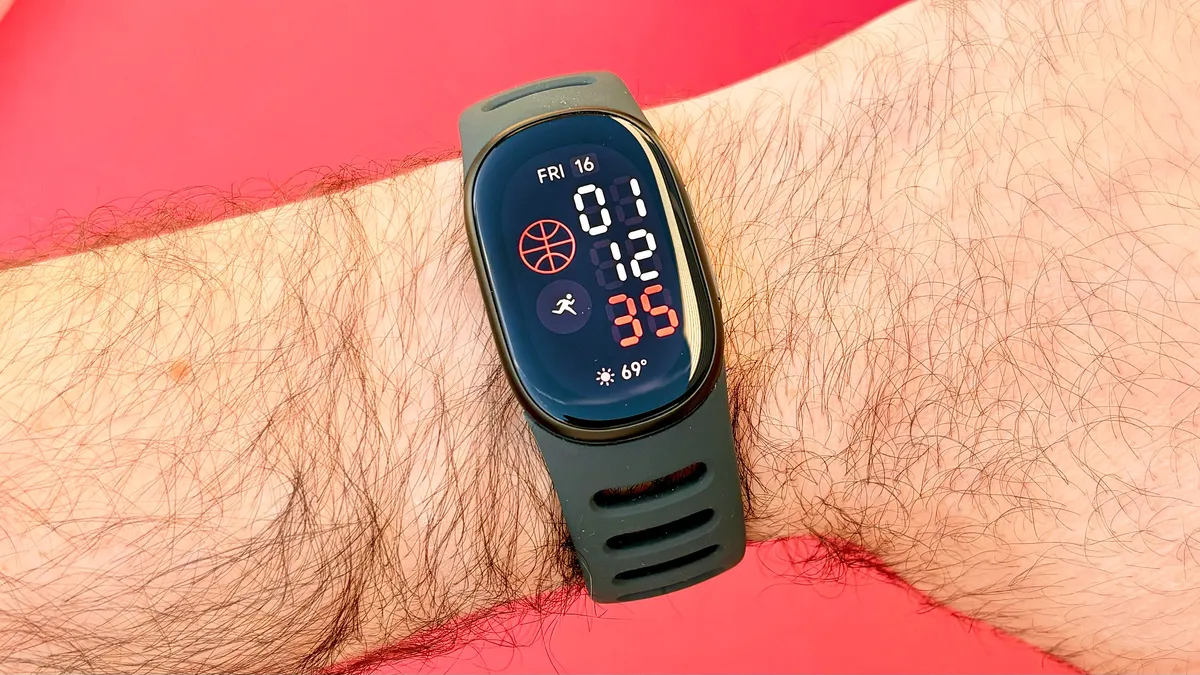
It’s important to point out here that 51 steps don’t make the Apple Watch Ultra 4 inaccurate in any way. The average person takes 2,000 steps a mile, so an extra 51 steps is nothing.
Likewise, it's worth noting that these are two very different devices, and probably not options most people would be deciding between. The Apple Watch Ultra 4 is like having an extension of your iPhone on your wrist, with an abundance of apps to choose from. It’s designed to be a rugged smartwatch, designed for extreme sports, whereas the Fitbit Edge is a slim fitness tracker, with a focus on daily health tracking.
We’ll continue testing the Fitbit Edge, but it’s impressive to see how accurate its step counting is in this test. Which device would you choose? Let us know in the poll below.

Follow Tom's Guide on Google News and add us as a preferred source to get our up-to-date news, analysis, and reviews in your feeds.
More from Tom's Guide