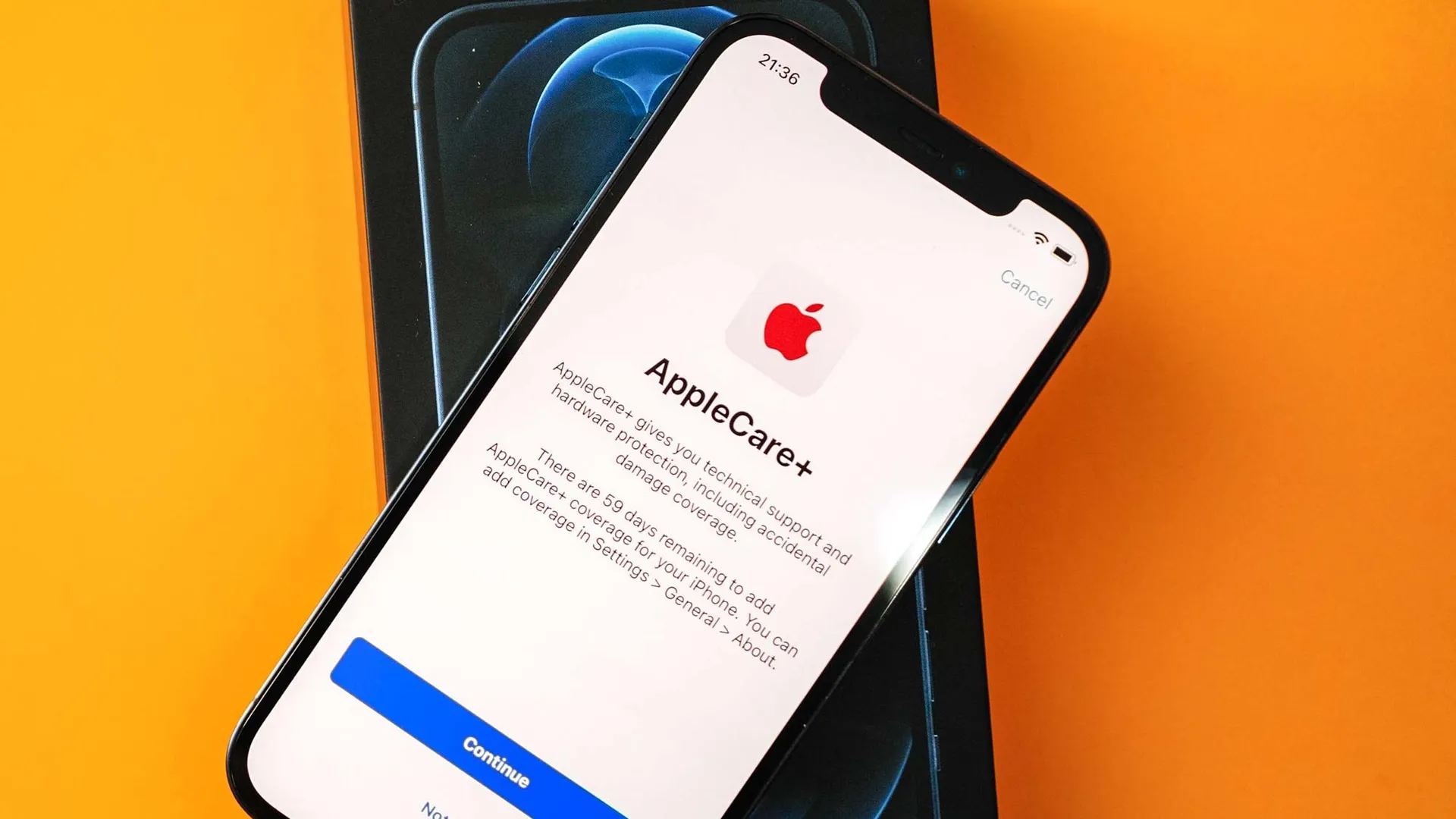
Whether you're picking up an iPhone, iPad or some other Apple device, you'll know that official repairs can get very expensive. Heck, a simple screen repair on the iPhone 18 Pro Max is going to cost $379, which is almost a third of the cost of the phone itself. AppleCare+ makes those fees a little more palatable, so long as you're willing to subscribe and pay a monthly fee.
The problem is that paying for AppleCare on multiple devices can get pretty expensive, especially if you're part of a whole family of Apple users. AppleCare One already offers the chance to cover up to three devices on a single plan, and now AppleCare One Family offers that same coverage for up to six people — for $50 a month.
What devices you can add
There are surprisingly few limits on the number of devices you can add to this plan. All devices that are covered by AppleCare will be automatically added to the Family plan when you sign up, as will any devices purchased within the previous 60 days.
However, devices that are over four years old, or AirPods and Beats that are over a year old, will need to undergo a device check to ensure they're in good condition. This can be done remotely, or by visiting your nearest Apple Store. Apple has also made it clear that you can't add more than six Vision Pro headsets to the plan — not that anyone would.
The usual AppleCare+ service fees still apply. Battery servicing is totally free under the plan, while repairs to the screen and back glass are $29. Other accidental damage is $99, while theft or loss claims come with a $149 deductible. You're also limited to six loss and theft claims over the course of a year.
Devices will remain covered so long as you keep your AppleCare One Family Plan active, and provided they connect to an Apple server at least once every 12 months. However, Apple does note that devices can be removed from the plan if it runs out of the necessary parts to service and make repairs.
Coverage is also dependent on the devices being signed into a family member's Apple Account. If they sign out, and a non-family member later signs in, coverage will end.
How to set up AppleCare One Family

AppleCare One Family is currently only available in the United States, and the setup process can be initiated by any adult member of a Family Sharing Group. Payments are automatically made by the family organizer, regardless of which adult actually signs up. However, the person who initiated the subscription can choose their own payment method if they prefer. Other family members will be restricted from signing up for a different AppleCare plan unless they leave the family group.
If you're part of a family or friendship group that's big on using Apple products, signing up for an AppleCare One Family plan feels like a no-brainer. A simple AppleCare One plan costs $20 a month, and coverage for up to three devices is included in the cost plus $6 a month for each additional product.
The Family plan with a full six people means that you're paying $8.33 per person, and without any major device limitations. All you have to do is make sure the participants actually pay you their dues, which should be a lot easier considering sharing money is now as easy as bumping phones together.

Follow Tom's Guide on Google News and add us as a preferred source to get our up-to-date news, analysis, and reviews in your feeds. Make sure to click the Follow button!
More from Tom's Guide