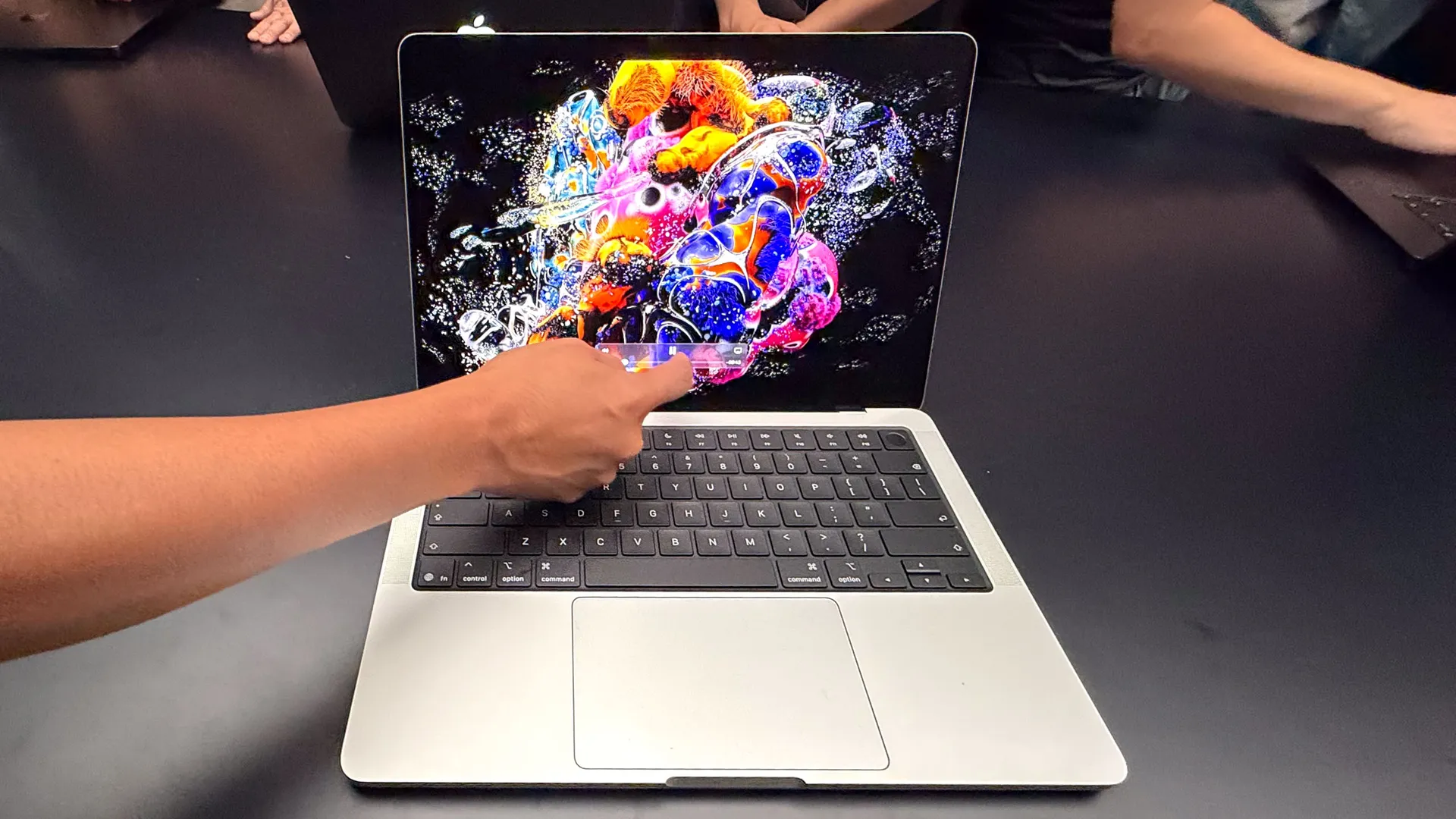
I'll be honest. I'm not a fan of the name. "MacBook Pro with PROLED XDR Display" is a mouthful. But this laptop, starting at $2,899, definitely made my jaw drop.
Apple has created a truly stunning screen with this laptop, and I know because I've already compared it against one of the best Windows laptops with a tandem OLED display. It's colorful, super bright and looks great even off-axis.
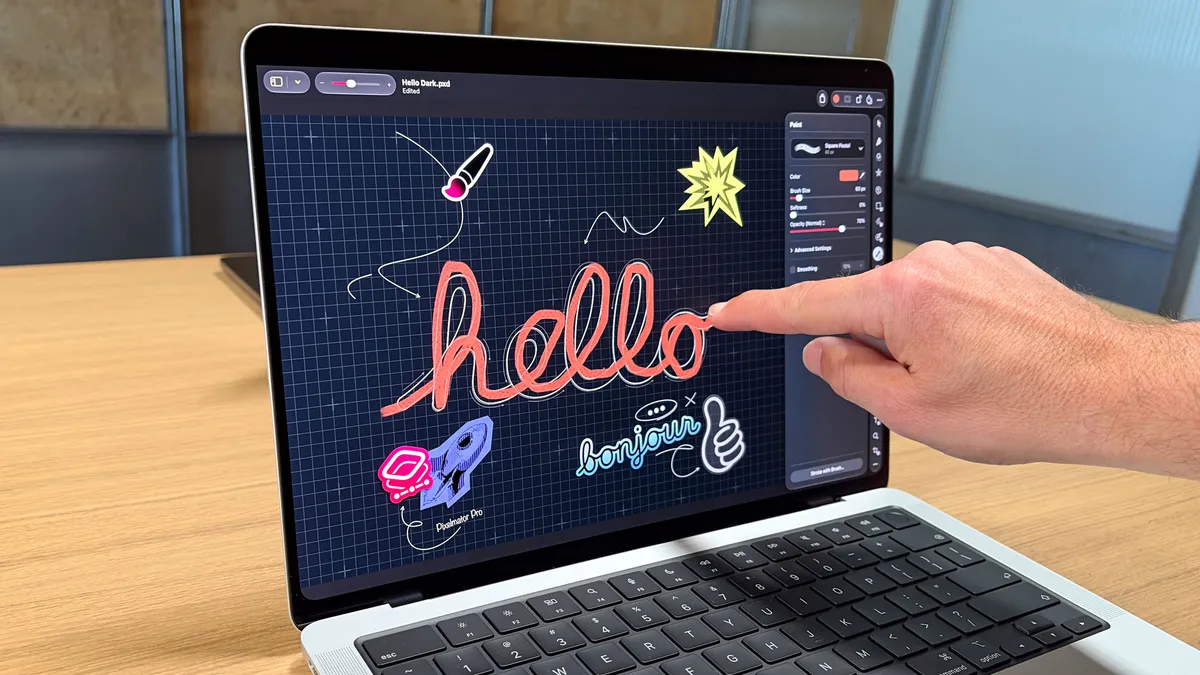
But the biggest news for many is that this is the first MacBook with a touchscreen, and Apple showed off several apps that are ready for your finger. Here's what it's like to use and my pros and cons so far.
All about that panel
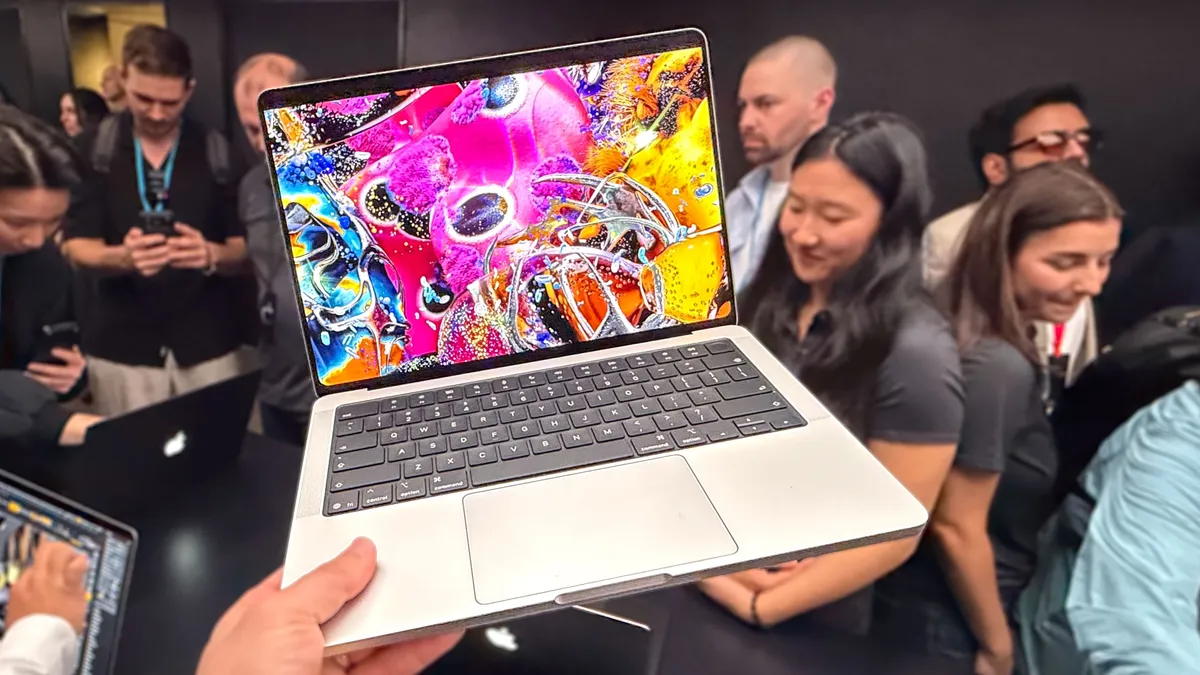
The first thing I noticed about the new MacBook Pro was the colorful tandem OLED display. At 2,000 nits, this screen is so bright we had to turn down our camera to record it. The colors really pop off the display. The screen offers a 120Hz refresh rate and a 10 million to 1 contrast ratio, which Apple says is industry leading — and I believe it.
Most Windows laptops with tandem OLED screens max out at 1 million to 1. The result is that the new MacBook offers perfect blacks without sacrificing details in the shadows.
Price |
$2,899 |
$3,399 |
Display |
14.2-inch PROLED XDR (3024 x 1986 pixels), 120Hz, multi-touch |
16.3-inch PROLED XDR (3472 x 2266 pixels), 120Hz, multi-touch |
Display finish |
Standard glass, nano-texture glass |
Standard glass, nano-texture glass |
Colors |
Silver, Space Black |
Silver, Space Black |
Chip |
M5 Pro (15 CPU cores, 16 GPU cores), M5 Pro (18 CPU cores, 20 GPU cores), M5 Max (18 CPU cores, 32 GPU cores), M5 Max (18 CPU cores, 40 GPU cores) |
M5 Pro (18 CPU cores, 20 GPU cores), M5 Max (18 CPU cores, 32 GPU cores), M5 Max (18 CPU cores, 40 GPU cores) |
Memory |
24GB or 48GB (M5 Pro with 16-core GPU), 24GB, 48GB or 64GB (M5 Pro with 20-core GPU), 36GB (M5 Max with 32-core GPU), 48GB, 64GB or 128GB (M5 Max with 40-core GPU) |
24GB, 48GB or 64GB (M5 Pro with 20-core GPU), 36GB (M5 Max with 32-core GPU), 48GB, 64GB or 128GB (M5 Max with 40-core GPU) |
Storage |
1TB, 2TB or 4TB (M5 Pro with 16-core or 20-core GPU), 2TB, 4TB, 8TB or 16TB (M5 Max with 32-core or 40-core GPU) |
1TB, 2TB or 4TB (M5 Pro with 20-core GPU), 2TB, 4TB, 8TB or 16TB (M5 Max with 32-core or 40-core GPU) |
Ports |
3 x Thunderbolt 5, 1 x HDMI, 1 x 3.5mm headphone jack, 1 x SD card reader, 1 x MagSafe 3 |
3 x Thunderbolt 5, 1 x HDMI, 1 x 3.5mm headphone jack, 1 x SD card reader, 1 x MagSafe 3 |
OS |
macOS 27 Golden Gate |
macOS 27 Golden Gate |
Connectivity |
Wi-Fi 7, Bluetooth 6, Thread (Apple N1) |
Wi-Fi 7, Bluetooth 6, Thread (Apple N1) |
Camera |
12MP Center Stage webcam |
12MP Center Stage webcam |
Size |
12.24 x 8.52 x 0.59 inches |
14 x 9.62 x 0.63 inches |
Weight |
3 pounds (M5 Pro), 3.1 pounds (M5 Max) |
4 pounds (M5 Pro), 4.1 pounds (M5 Max) |
MacBook Pro with PROLED XDR Display: Specs
Finally notchless
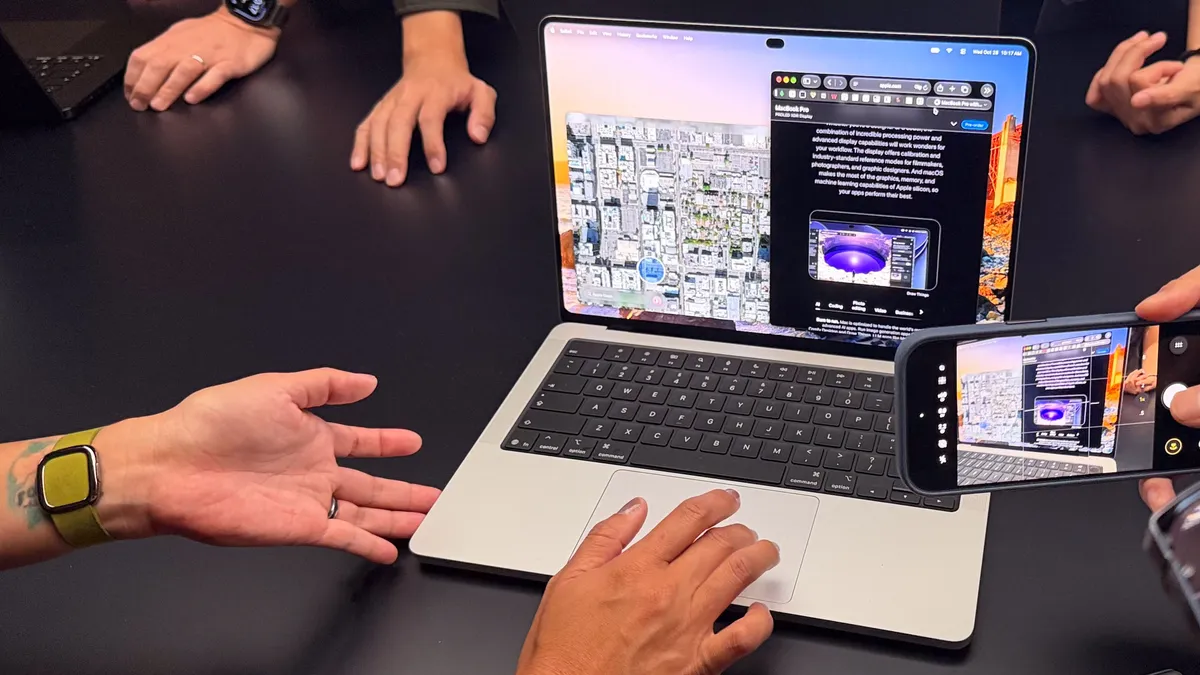
The second thing that hit me is that the notch is gone, replaced by a smaller Dynamic Island. When playing music, for example, the music player will shrink in a little window at the top of the display, and you bring it back with a tap.
And that brings me to perhaps the biggest upgrade overall, as it's a first for MacBooks: touch.
A MacBook you can reach out and touch
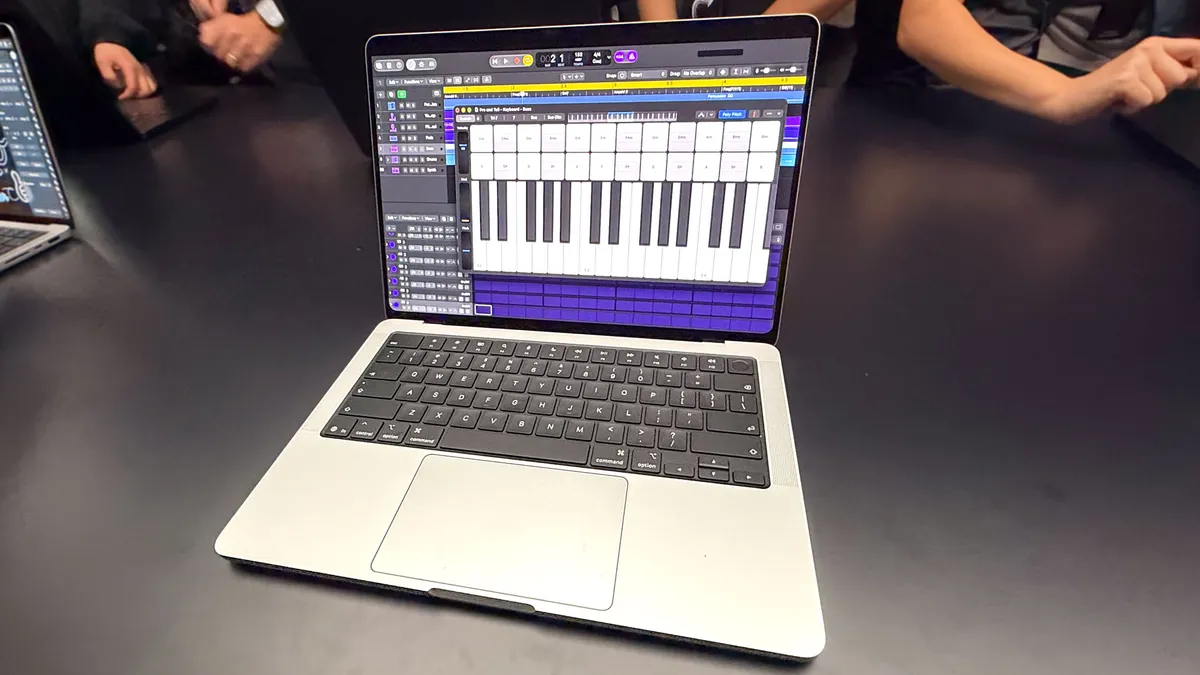
I found the touchscreen support to be pretty smooth as I navigated between apps. I could draw using my finger with ease, though there's no Apple Pencil support to speak of.
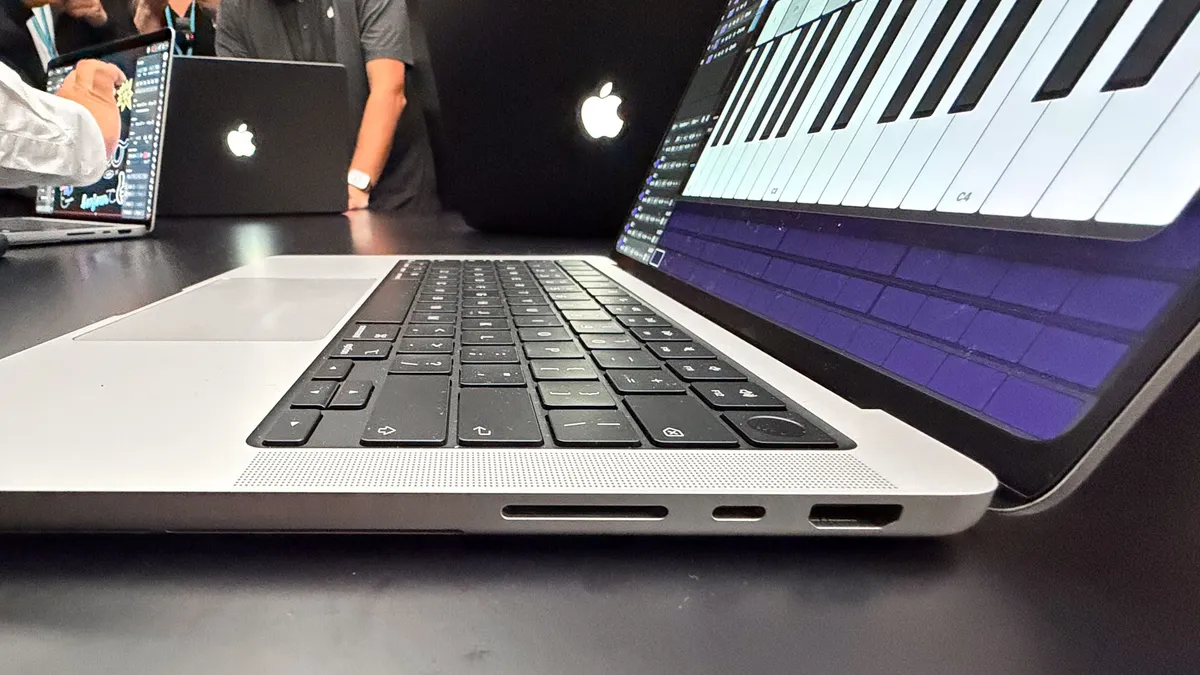
As you would expect, pinch-to-zoom works well, and I could easily drag and drop video clips in a timeline. I also played a virtual keyboard (complete with chords) and interacted with a 3D model by spinning it around.
We'll have to see how well touch works with third-party apps, but Apple already promises support for Notion, Canva, Zoom, Microsoft Office, Adobe Lightroom and more.
Pro power without the extra weight
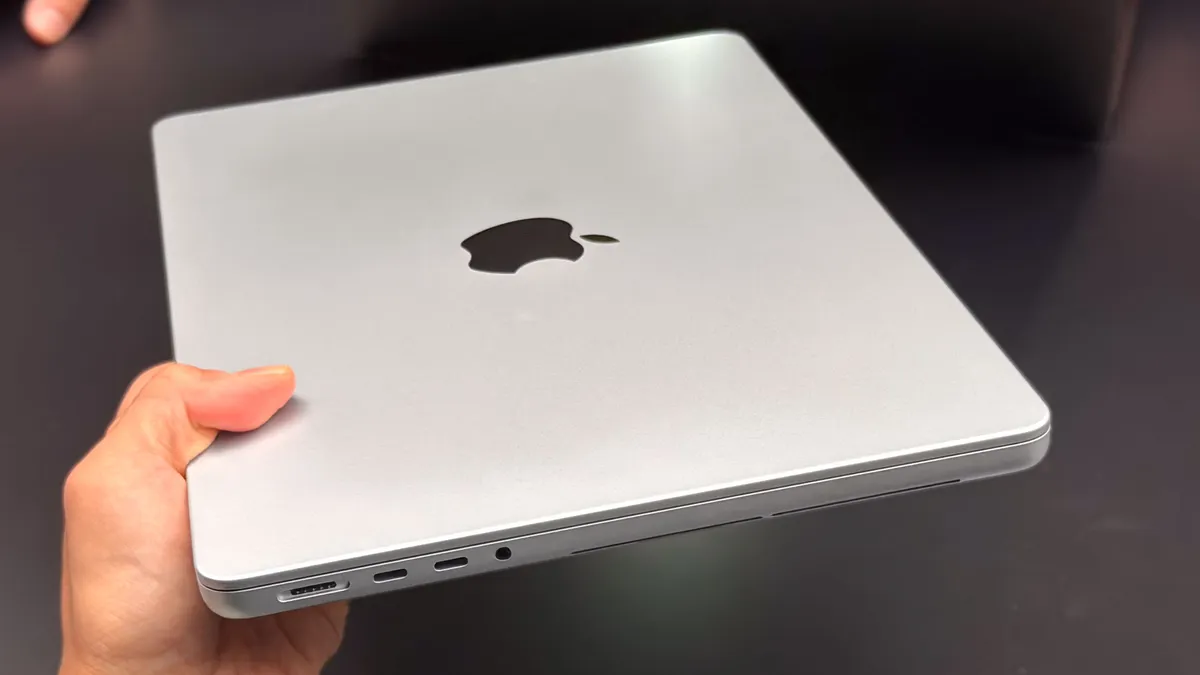
All of this is wrapped up in a design that's only 3 pounds, which is less than the MacBook Pro with M6 at 3.4 pounds. I could easily see myself carrying this as my everyday laptop — if I had the budget.
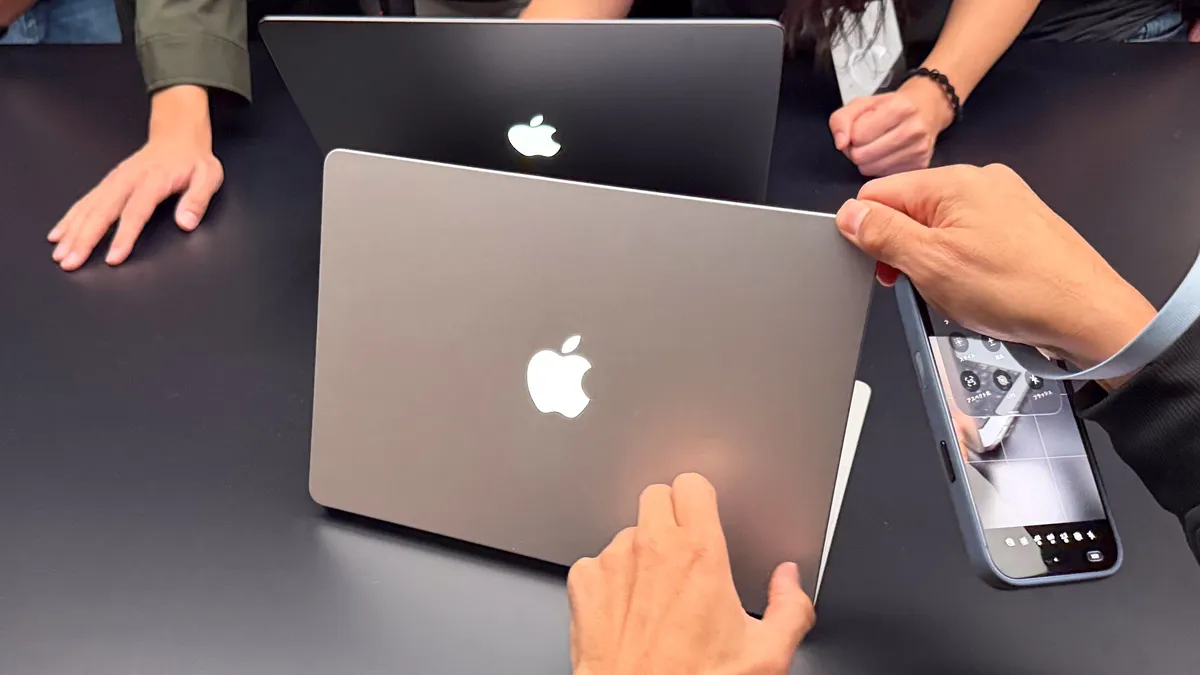
Another design highlight is that Apple has brought back the glowing Apple logo, so everyone will know from across the room that you have the touchscreen Mac.
A true mobile studio
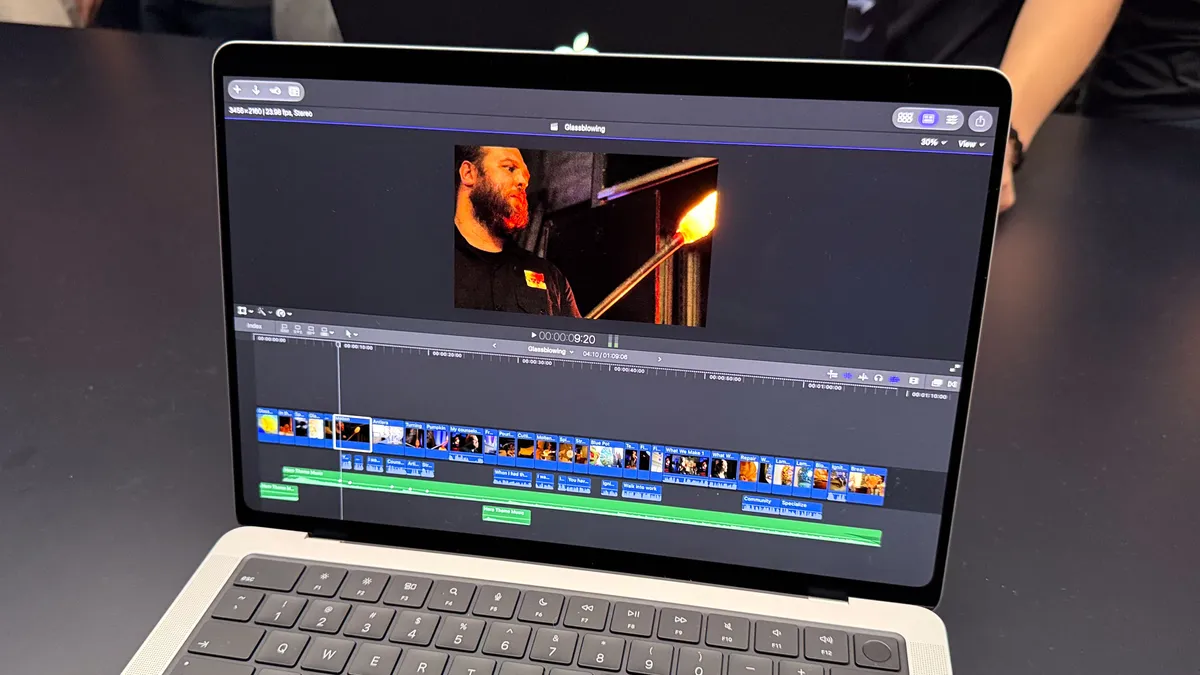
Powering the MacBook Pro with PROLED is the M5 Pro and M5 Max chip, which should offer swift performance for creative pros and coders.
And this new MacBook Pro will hopefully sound as good as it looks, thanks to a new woofer design with 50% more bass.
The port selection is robust, with three Thunderbolt 5 ports, HDMI, SDXC card, MagSafe and a headphone jack. And you get both Wi-Fi 7 and Bluetooth 6 support.
An unmatched display
Starting at $2,899 for the 14-inch version and $3,399 for the 16-inch, this is one pricey laptop. But if you want the very best display quality it could be worth the premium. Anyone who works with photos and video on a daily basis I think will love this panel.
I would say the touch interface is more of a bonus, and I'd like to see Apple offer it across the lineup just to give people more options.

Follow Tom's Guide on Google News and add us as a preferred source to get our up-to-date news, analysis, and reviews in your feeds.
More from Tom's Guide