
 Club Benefits





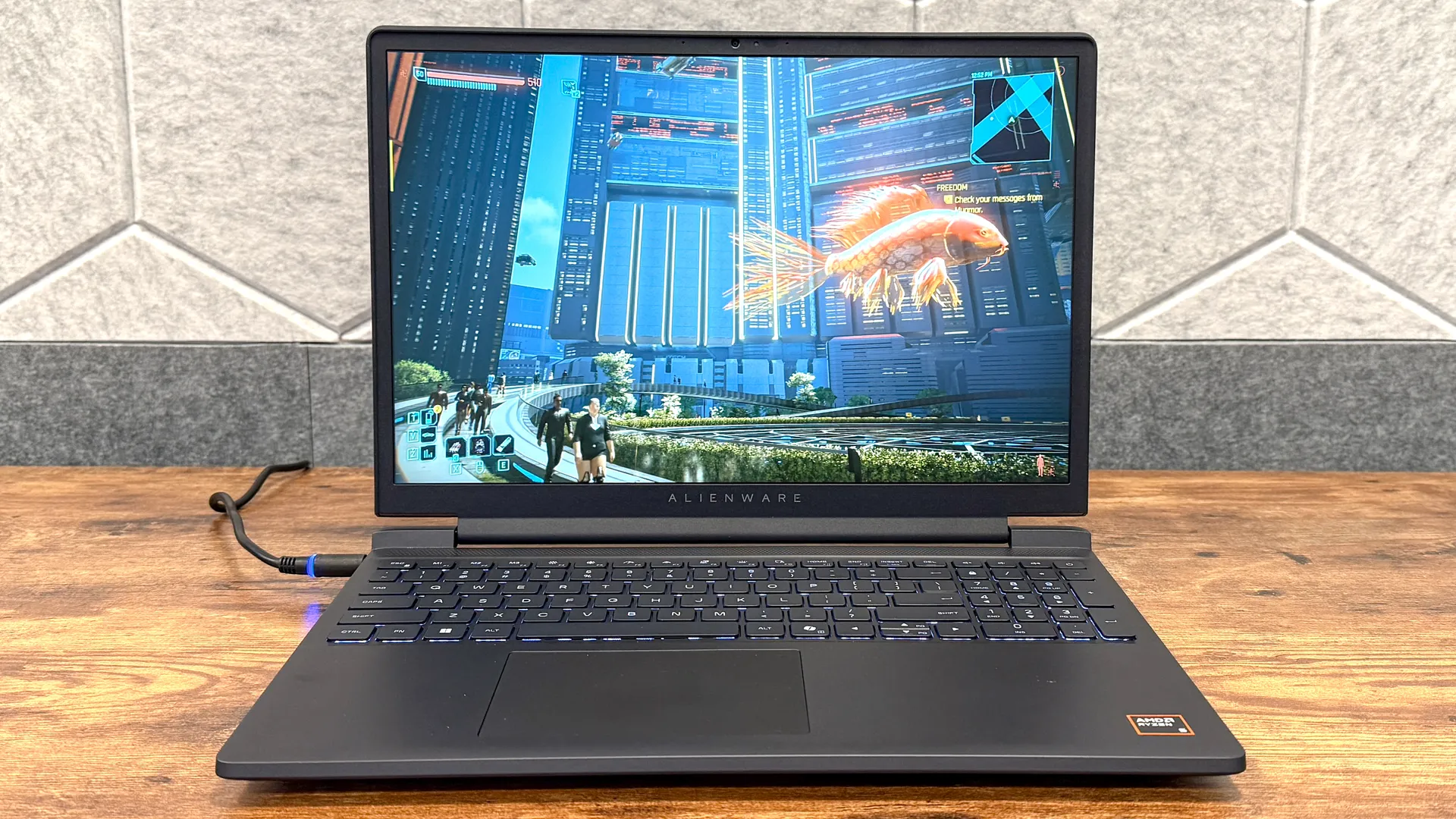
Alienware's notebooks are among the best gaming laptops available, but they can be pricey for most folks. This is especially true now, thanks to RAMageddon. Thankfully, the company isn’t ignoring the current reality and has just launched a more affordable gaming laptop for PC gamers. Meet the new Alienware 15 (2026) gaming laptop.
Starting at $1,299, this 15-inch laptop packs up to an AMD Ryzen 7 CPU and up to an Nvidia RTX 5060 GPU. Couple with 16GB of RAM and up to 1TB of SSD storage, and you have the basics for playing the best PC games at 1080p resolution and medium to high graphics. While the asking price is still above $1,000, it’s not terrible given current conditions.
I tested a pre-production model of the Alienware 15 gaming laptop and found it delivers a solid experience for those who don’t want to break the bank. Given its price, you’re not getting a premium display or chassis, but if you just want to play your PC games on something reliable, you won’t go wrong here.

Alienware 15 (2026) hands-on: Specs
| Row 0 - Cell 0 | Alienware 15 (2026) |
Price (starting) | $1,299 |
Display | 15.3 inch (1920 x 1200) | 16:10| 165Hz |
CPU | Up to AMD Ryzen 7 |
GPU | Up to Nvidia GeForce RTX 5060 |
RAM | 16GB |
Storage | Up to 1TB |
Connectivity | Wi-Fi 6, Bluetooth 5.2 |
Ports | 2x USB-C, 2x USB-A, 1x HDMI, 1x Ethernet |
Dimensions | 13.76 x 9.85 x 0.81 inches |
Weight | 4.96 pounds |
Alienware 15 (2026) hands-on: Design
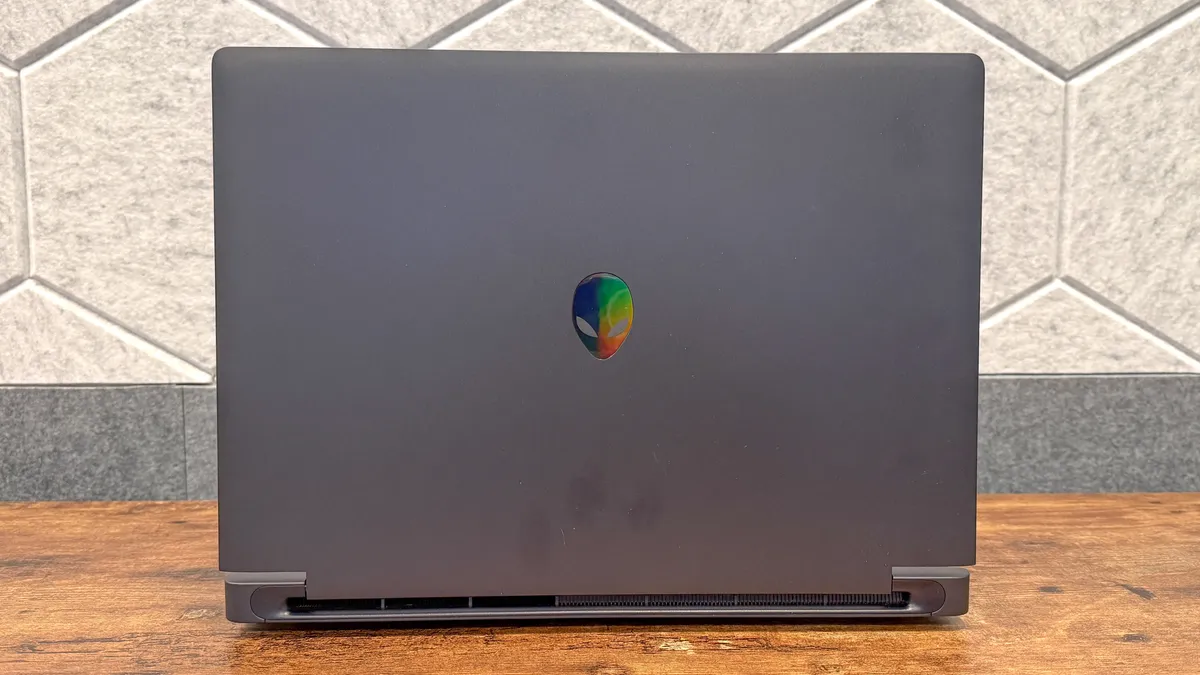
At first glance, the Alienware 15 certainly has the iconic look of the company’s laptops, with its all-black shell and Alienware logo on the lid. However, picking it up instantly makes it clear this isn’t just any Alienware product.
The polycarbonate resin lid and bottom have a plastic-like feel that’s a departure from the aluminum casings of higher-end Alienware laptops. While that’s jarring at first, the smooth, contoured lines and overall sleek design help offset that.
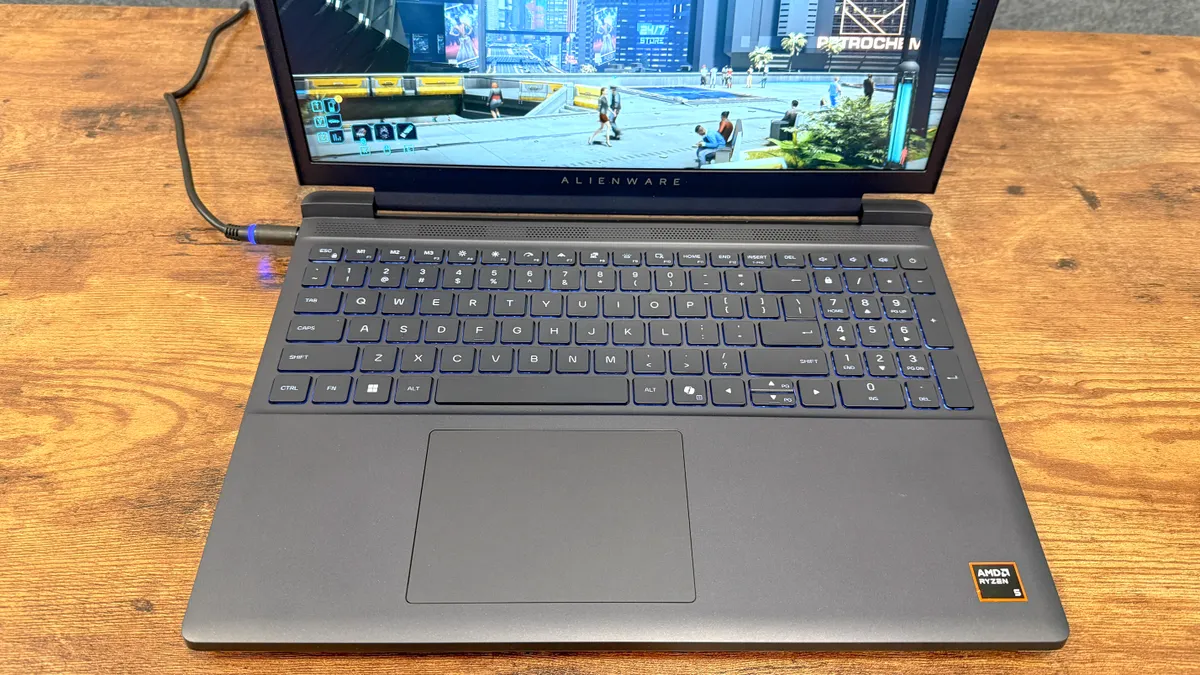
Unlike the Alienware 16 Area-51, the Alienware 15 has a full keyboard, which should make number pad users very happy. I don’t fall into that camp, so having the keys I actually mostly located on the left-hand side made it tricky to find my stride when typing. That said, the thick keys and their satisfying travel distance do make this a good laptop for writing.
The lion’s share of the ports is on the left-hand side. This includes two USB-A ports, an Ethernet port, a USB-C port, and an HDMI port. On the left are a lone USB-C port and a headphone jack. Port placement is generally fine if that’s the side you prefer to connect peripherals to, but it could be burdensome if you would have preferred them on the right side or on the back.
Alienware 15 (2026) hands-on: Display
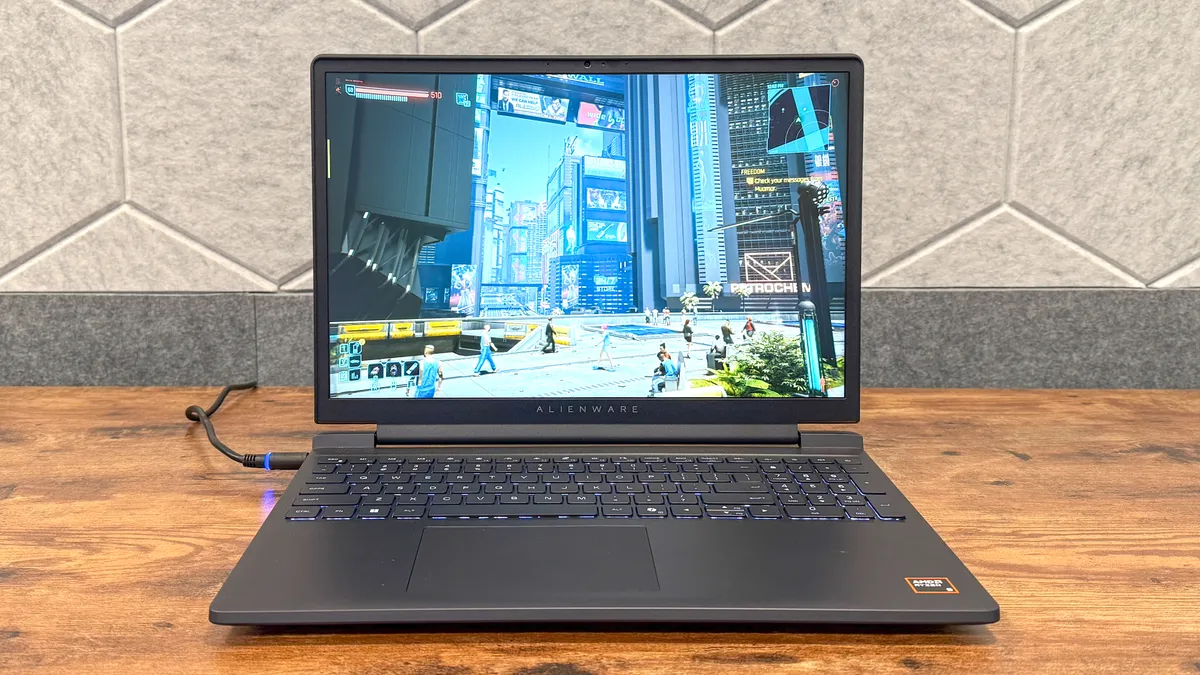
The 15-inch display isn’t terrible, but after testing so many laptops with OLED panels, it’s certainly a step down in both picture quality and overall brightness.
Since this was a pre-production model, we didn’t run our usual suite of display benchmarks. To my eyes, however, the screen is noticeably dimmer and less vibrant than a more premium display.
That’s not to say things don’t appear clearly defined, because they certainly do. The 1200p resolution lets you see everything on the screen in fine detail. However, the muted colors and low brightness make everything look duller than you’d like.
Again, things don’t look terrible on the Alienware 15, but don’t expect a top-end viewing experience when playing games or watching videos.
Alienware 15 (2026) hands-on: Performance and battery life
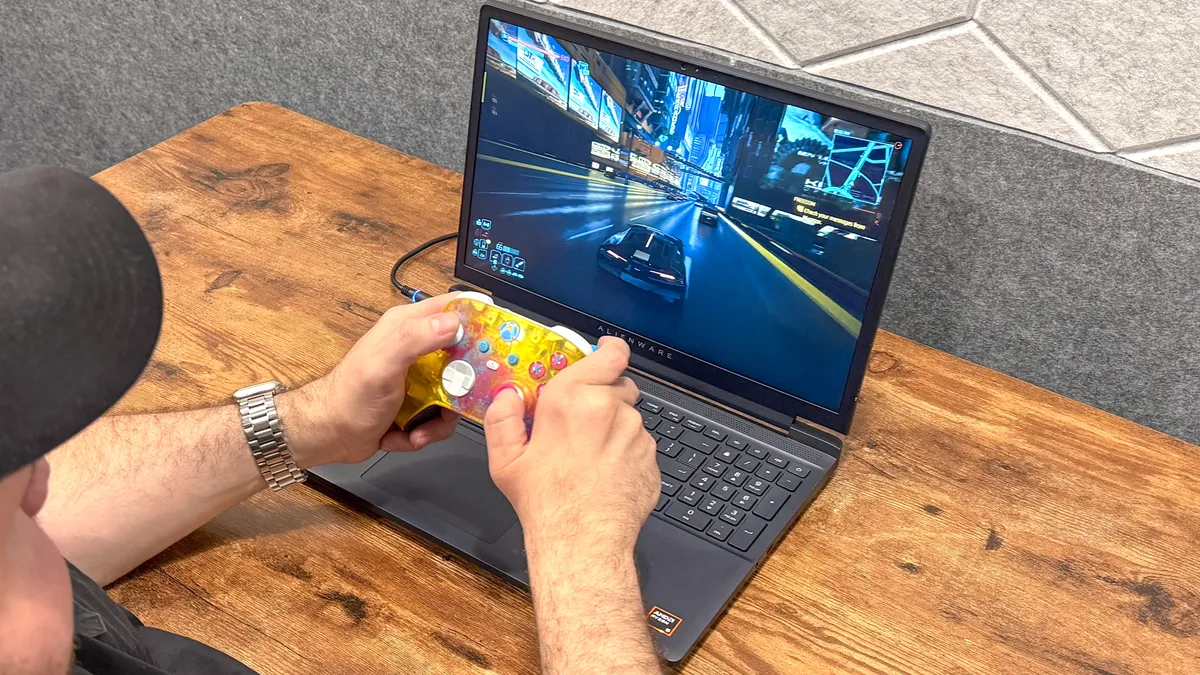
I tested a pre-production model with entry-level specs. It includes an AMD Ryzen 5 processor, an Nvidia RTX 4050 mobile GPU, 16GB of RAM, and 512GB of SSD storage. These aren’t the latest and greatest components, but they’re good enough for playing even demanding games at smooth frame rates.
At default graphical settings and native resolution, Cyberpunk 2077 ran at around 45 to 50 frames per second during my testing. Mind you, that’s without the frame-boosting DLSS upscaler enabled. With this feature turned on, the fps jumped to the low 60s, so it’s definitely worth it for a system like this.
Given its prowess as a gaming machine, the Alienware 15 had no problems handling my average workflow, which usually consists of dozens of open Chrome tabs and the occasional YouTube video running in the background. If you need to get work done, this laptop won’t let you down.
Lastly, let’s talk about battery life. We didn’t run our usual battery test on this machine, but during my testing, I was able to play for close to 90 minutes before the battery life warning appeared. That’s typical for a gaming laptop, so I wasn’t surprised. Naturally, you’ll want to keep this laptop connected while gaming so it keeps running and maintains optimal performance.
Alienware 15 (2026) hands-on: Outlook
Given how expensive gaming devices are nowadays, I applaud Alienware for keeping the average gamer in mind. Both the Alienware 15 gaming laptop and the $349 Alienware AW2726DM gaming monitor exemplify this philosophy.
While I wouldn’t call a $1,299 starting price cheap, it’s still affordable given the current state of things. I’ll have a full review for you once I get to test a final model, but for now, I like what Alienware is cooking up.

Follow Tom's Guide on Google News and add us as a preferred source to get our up-to-date news, analysis, and reviews in your feeds. Subscribe to Tom's Guide on YouTube and follow us on TikTok. Finally, you can visit our dedicated Tom's Guide Savings Squad hub for expert help on getting the best products for less.
More from Tom's Guide

